 BLACK MANGO / STUDIO

Creative portraits · general
Softly You
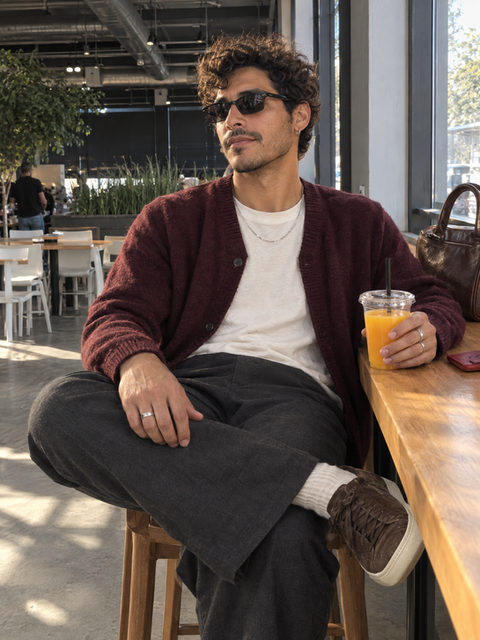
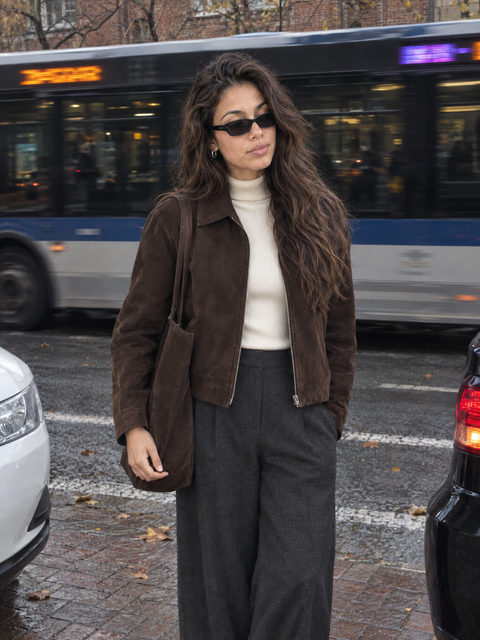
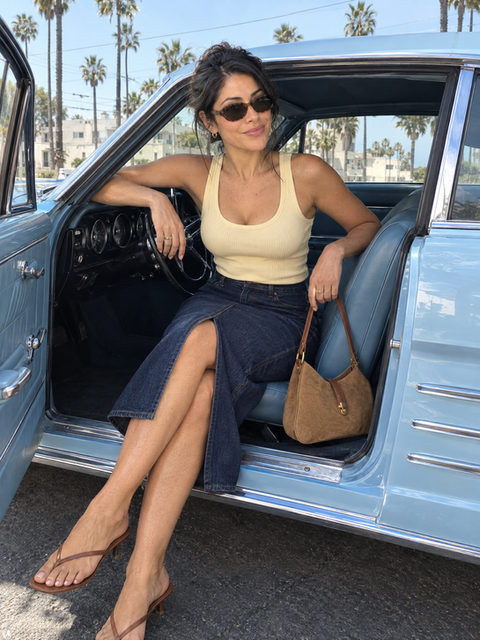
Soft curtains, cozy textures and gentle light give this seated portrait a quiet warmth. Choose it for a personal photo that feels relaxed and close, with simple styling that leaves room for your own expression.
- For 1 person
- 4 outfit ideas · 36 backgrounds
- One revision included
Set it up for free. You only use a credit when you create. Your first photo is $1.99.
- Pay per photo · no subscription
- Credit returned if a photo fails
- Photos kept in encrypted storage
How it works
- 1
Add your photos
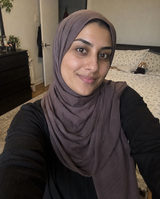
One clear phone photo for each person. A recent selfie is enough.
- 2
Make it yours
Choose an outfit, and keep this setting or pick another background. The look is already art-directed for you.
- Keep
- Romantic Soft
- Linen Summer
- Knit Neutral
- 3
Get your portrait
Download it from My Studio. If something needs a small change, one revision is included.

Photos that work well for Softly You
Use an unfiltered photo with clear facial features. Your reference guides your appearance while the template guides the light, clothes and setting. Keep distinctive features visible in the original.
- Face the light
- Features easy to see
- No heavy filters
Before you create
Use photos you have permission to upload, with a guardian’s permission for children. An imagined portrait isn’t a record of something that happened, so keep your original photos too. Both can matter.
All sample people and pets on this page are fictional and AI-created. They show a direction, not a customer result. Your portrait is made from your own photos, and results can vary.
Questions, answered
How do I create Softly You?
Choose Start editing, add your reference photos and choose an outfit. This template supports 1 participant. Sign in and use a photo credit when you are ready to generate.
Do the example people appear in my result?
No. The example shows the visual style. Your uploaded photos guide the appearance of the people or pets in your own portrait. AI results can vary.
Can I adjust my portrait afterward?
Each generated photo includes one revision. Describe the changes you want and identify the participant they apply to. Download the versions you want to keep from My Studio.


Ready when you are.
Bring your photos. We’ll take care of the light, the styling and the setting.
Start editingYour first photo is $1.99 · One revision included
