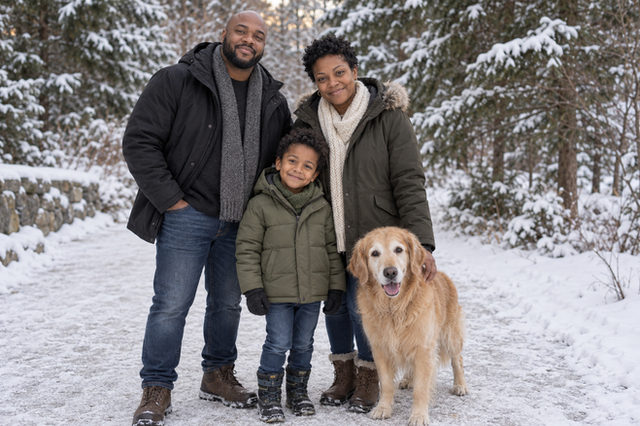
Winter Together
Bundle up together on a snowy path, surrounded by evergreens and soft winter light. This full-length group portrait leaves room for everyone and the setting, making a cozy idea for a seasonal family keepsake.
Start editingTurn individual reference photos into an imagined Christmas family portrait, with coordinated outfits and a setting that feels like home.
Find your lookPrepare your photo


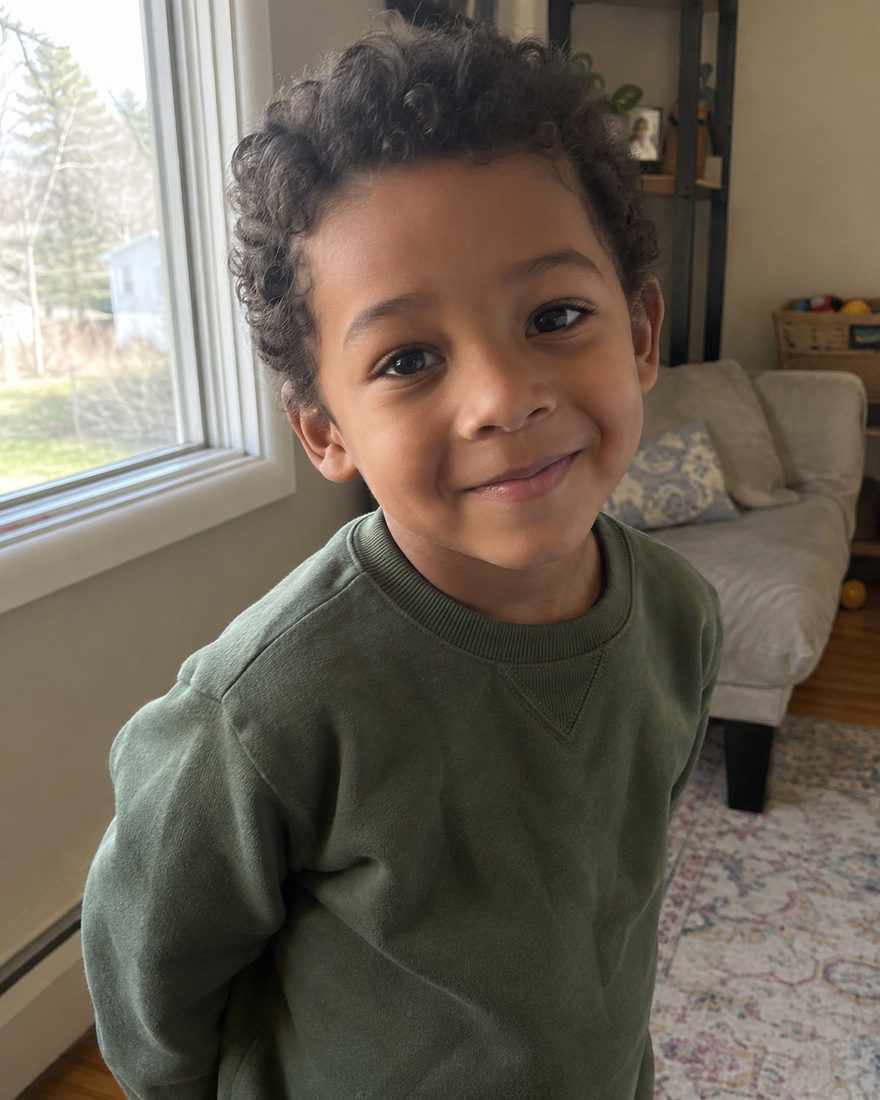
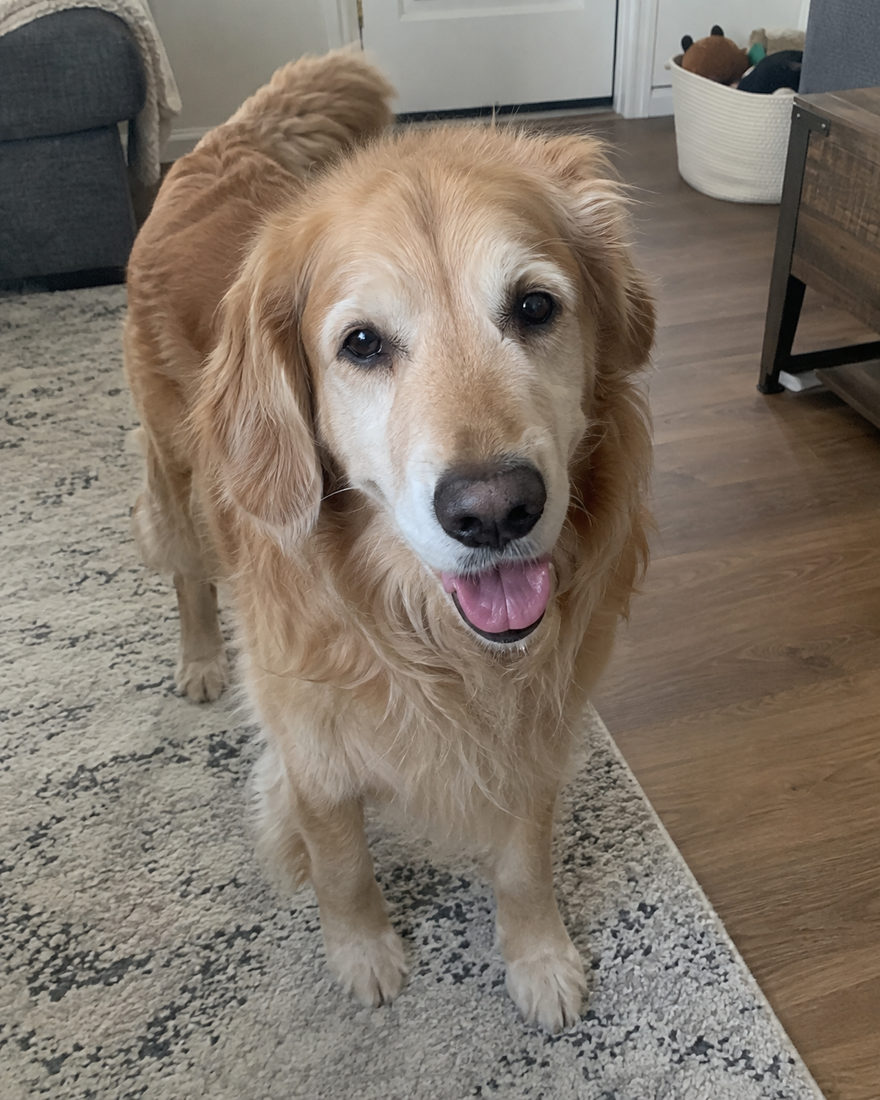
A wide holiday card needs a different arrangement from a portrait frame. Decide whether you will add a greeting, and leave space for it when choosing a template. Download the portrait and add text in your card-design tool rather than relying on generated lettering.
For a card with several people, a clear group composition usually matters more than elaborate decorations. Keep faces away from the eventual trim area and check the print service’s own dimensions and safe margins before ordering.
A few shared colours can connect sweaters, shirts and pet accessories while preserving each person’s style. Set the family outfit direction, then override clothes on individual cards. Your grandfather can keep his favourite cardigan while children wear something more playful.
The studio can imagine everyone together even if travel or schedules made a shared session difficult. Tell recipients it is an AI-created portrait when the context could otherwise imply a real gathering. The value is in the people and the intention, not in pretending that the scene was photographed.
Bundle up together on a snowy path, surrounded by evergreens and soft winter light. This full-length group portrait leaves room for everyone and the setting, making a cozy idea for a seasonal family keepsake.
Start editing
Warm tree lights and a softly decorated room give this portrait the quieter feeling of Christmas evening. Gather your chosen people in a full-length holiday picture that leaves room for both outfits and atmosphere.
Start editing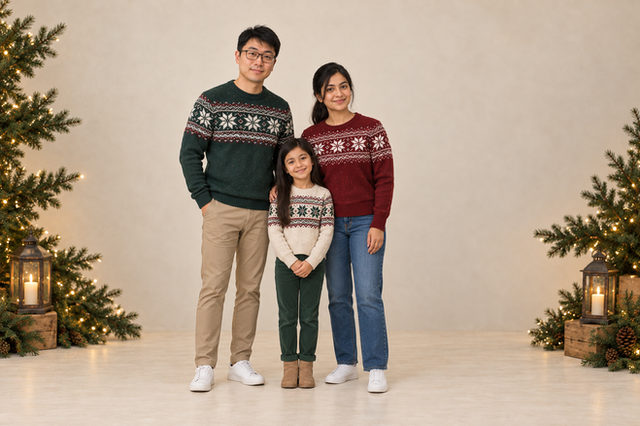
A clean cream backdrop, evergreens and small warm lights keep this holiday portrait simple. The full-length group arrangement gives everyone room, with an uncluttered look suited to a seasonal card.
Start editing
Comfortable pajamas, a glowing tree and wrapped gifts bring the feeling of Christmas morning into the picture. Choose this full-length group portrait for a playful, cozy holiday keepsake.
Start editingAll examples are AI-created illustrations, not customer results. Your photos guide your appearance.
Choose a template that supports a pet and add a separate pet reference. Check the template guide for the available participant count.
This flow creates a digital portrait. Use a separate printing service for cards and check its size and crop requirements.

Bring a clear phone photo of each person. We take care of the light, the styling and the setting. Your first photo is $1.99, with one revision included.
Start with Winter TogetherBrowse every lookWritten by Justin Meng, founder of Black Mango Studio · Reviewed · Meet the founder
 BLACK MANGO / STUDIO