
Across the Miles
A warm room and a close sofa pose bring familiar faces into one imagined picture. Choose this family portrait when your favorite people live apart, using separate photos to create a keepsake of togetherness.
Start editingPlan an AI family portrait using separate photos, with a clear reference for each person and enough information to keep everyone distinct.
Find your lookPrepare your photo
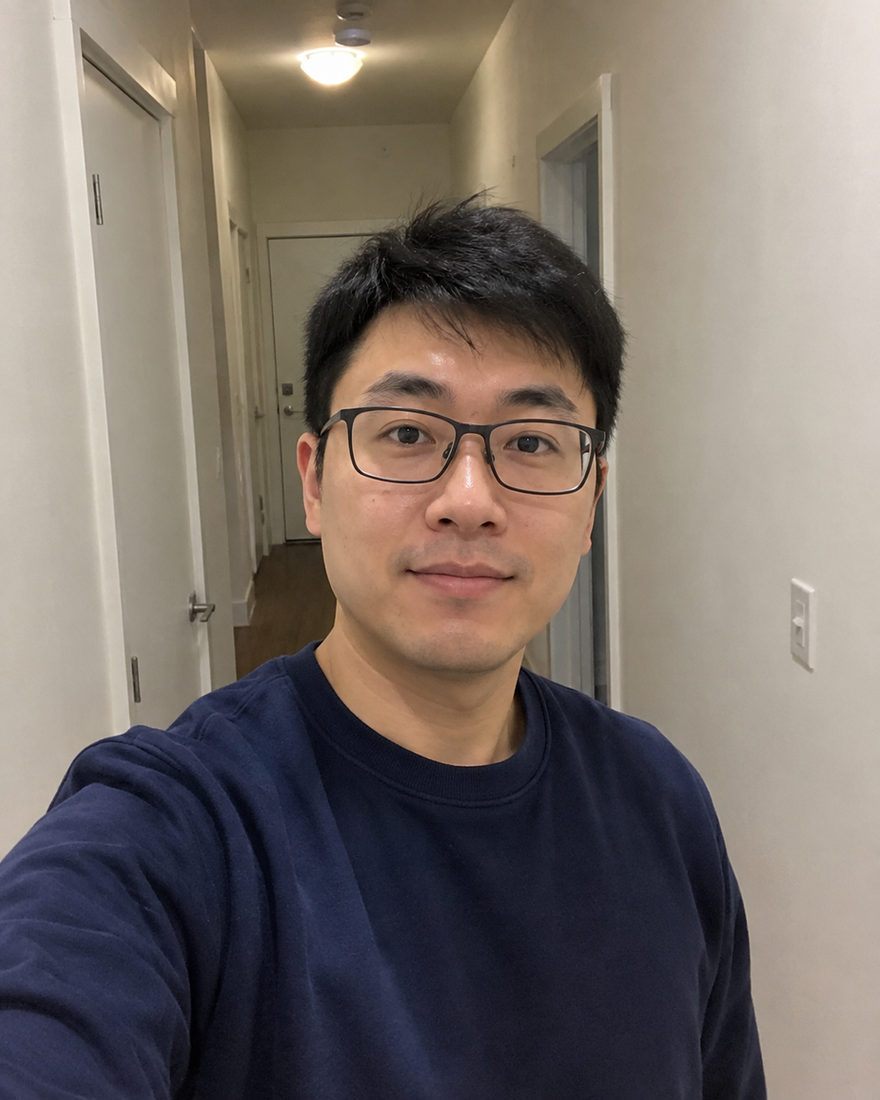
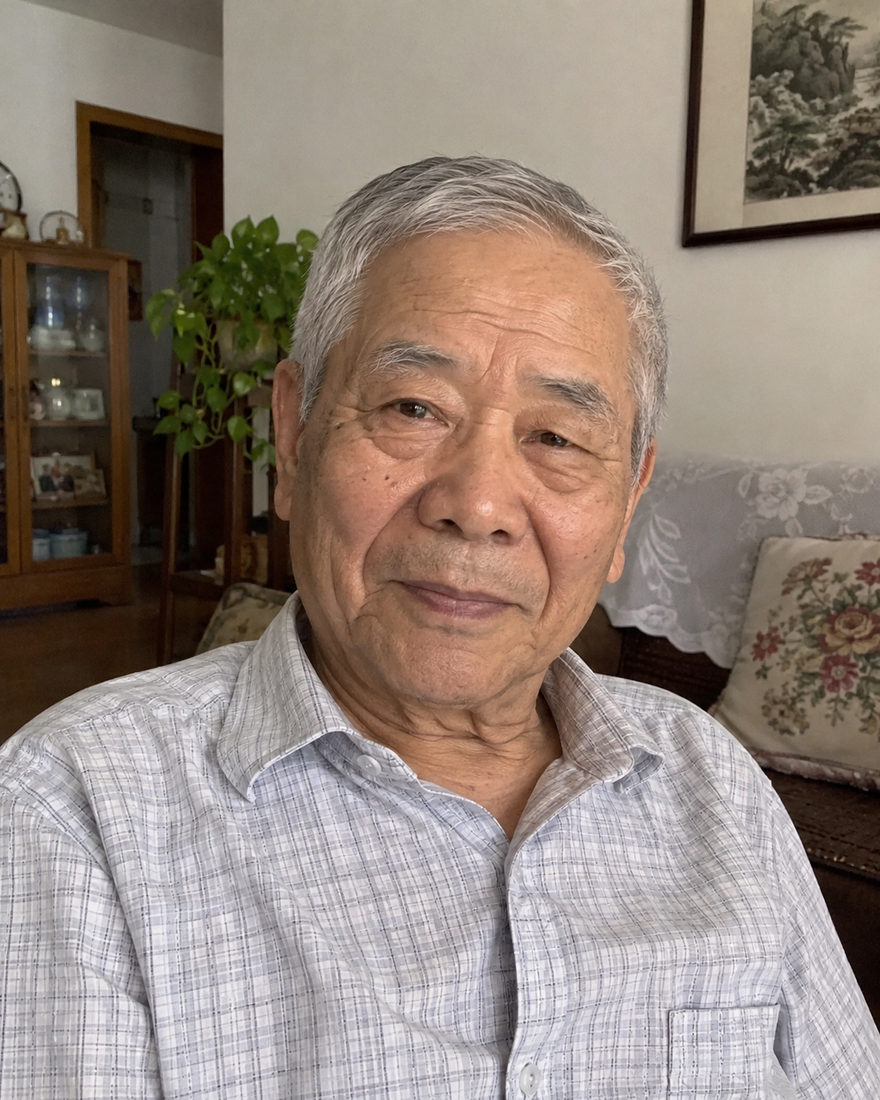
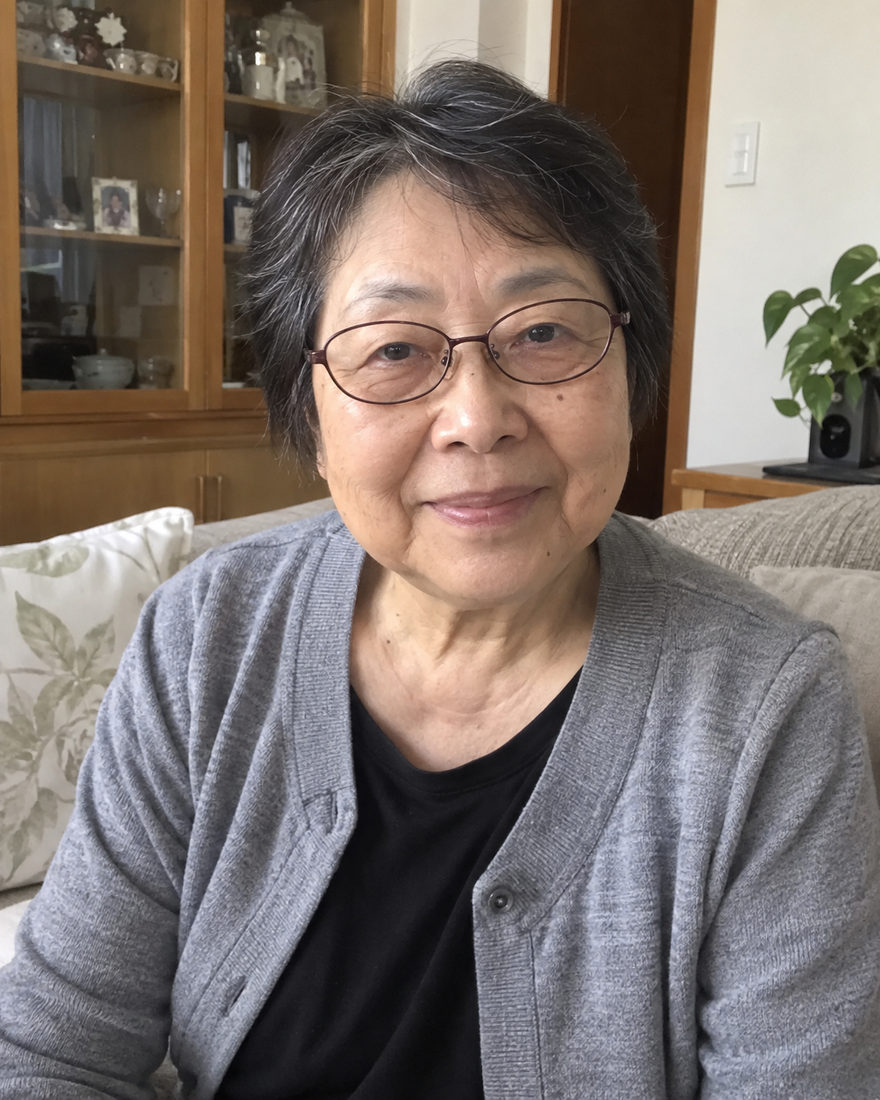
A collage arranges existing photographs next to one another. A generated family portrait creates a new imagined scene using the references. Faces, poses, clothing and lighting can be reinterpreted, which means you need to check the result rather than treating it as a pixel-perfect merge.
Use a collage or conventional editing if keeping the exact original pixels is the priority. Use a portrait direction when you want to imagine everyone in a shared setting and are comfortable with the result being clearly AI-created.
Start with one person at a time. Pick their clearest image and put any supporting angle on that same person’s card. Do not combine several people into a single new reference collage: distinct participant cards make it easier to communicate who belongs where.
Different rooms and cameras are expected. What matters most is that facial details remain visible. Strong coloured light, deep shadows, blur and filters hide information that the generator cannot reliably recover. A plain, clear source is often more useful than a dramatic photograph.
Choose a shared setting and clothing palette once the roster is ready. After generation, review one face at a time, then the group as a whole. If someone is too short or an outfit is wrong, describe that person using their participant label in the included revision. Keep everyone else unchanged when that is what you want.
A warm room and a close sofa pose bring familiar faces into one imagined picture. Choose this family portrait when your favorite people live apart, using separate photos to create a keepsake of togetherness.
Start editing
Gather the generations against a warm studio wall, with everyone visible from head to toe. Simple clothing and an uncluttered setting keep the focus on being together, in a family portrait you can make from separate photos.
Start editing
Close shoulders, soft window light and a familiar sofa make this family portrait feel easy and unhurried. Bring individual photos together for an imagined everyday moment with the people you love.
Start editingAll examples are AI-created illustrations, not customer results. Your photos guide your appearance.
No. It generates a new portrait guided by your photos. Exact facial matching and pose reproduction are not guaranteed.
Use a separate participant card for each person. Supporting photos of that same person belong inside their card.

Bring a clear phone photo of each person. We take care of the light, the styling and the setting. Your first photo is $1.99, with one revision included.
Start with Across the MilesBrowse every lookWritten by Justin Meng, founder of Black Mango Studio · Reviewed · Meet the founder
 BLACK MANGO / STUDIO