
Everyday Together
Close shoulders, soft window light and a familiar sofa make this family portrait feel easy and unhurried. Bring individual photos together for an imagined everyday moment with the people you love.
Start editingCreate an imagined family portrait from individual reference photos. You do not need an existing group photograph; start with one clear picture of each person or pet.
Find your lookPrepare your photo


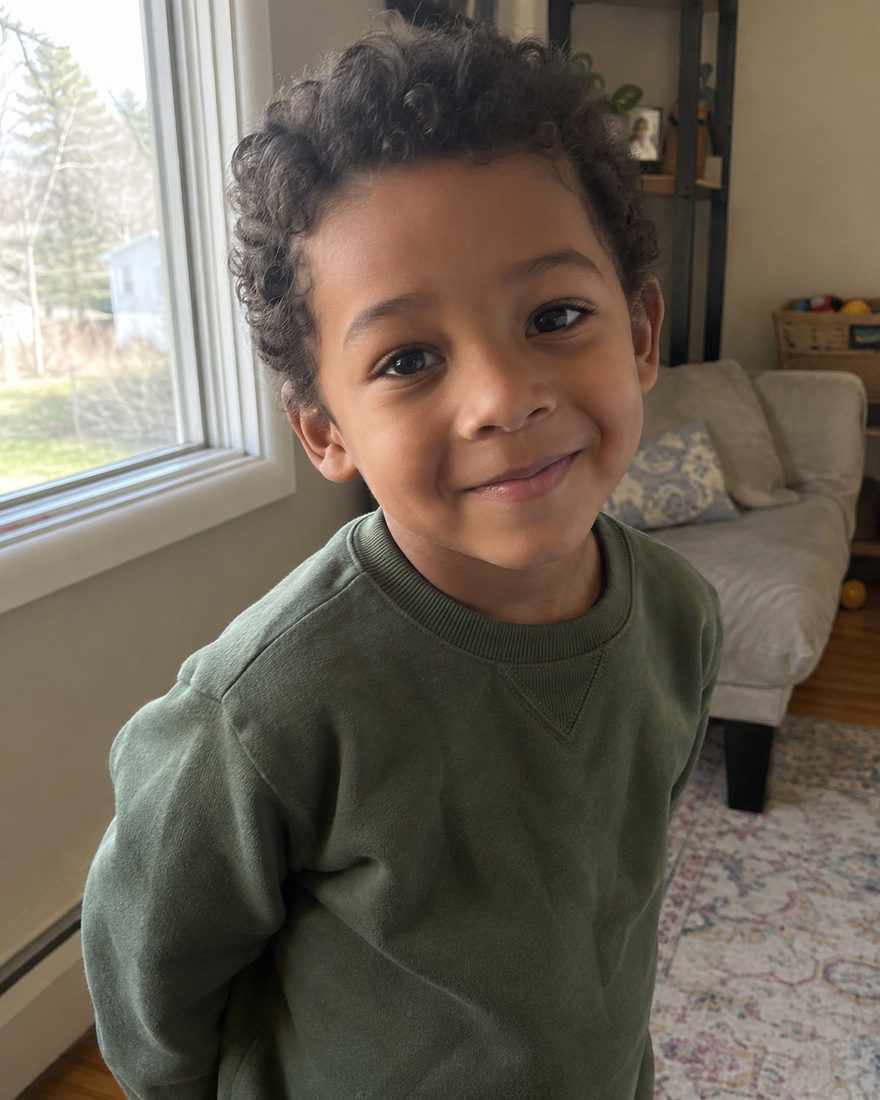
You can begin with separate photographs. A parent’s phone picture, a grandparent’s portrait and a child’s recent photo can guide different participants in the same imagined scene. The resulting portrait is AI-created; it expresses a connection rather than recording a gathering that happened.
First decide who belongs in this particular frame. A smaller group may work best for a close, intimate crop, while a multigeneration portrait needs enough space to distinguish adults and children. Each template shows its participant capacity before you start.
Keep each person’s references together on their own participant card. An extra photograph of the same person is an additional reference, not another member of the group. This matters when relatives look alike or when adults and children have similar hairstyles.
A shared palette can connect the group without dressing everyone identically. Consider a quiet living room, a garden or a neutral studio rather than choosing a background just because it looks impressive. The setting should support the people.
Review the finished portrait person by person. Check faces, adult-and-child proportions, hands, pets and clothing. One revision can combine the corrections you describe. Download both versions you want to keep; My Studio provides temporary access rather than permanent archival storage.
Close shoulders, soft window light and a familiar sofa make this family portrait feel easy and unhurried. Bring individual photos together for an imagined everyday moment with the people you love.
Start editing
Gather the generations against a warm studio wall, with everyone visible from head to toe. Simple clothing and an uncluttered setting keep the focus on being together, in a family portrait you can make from separate photos.
Start editing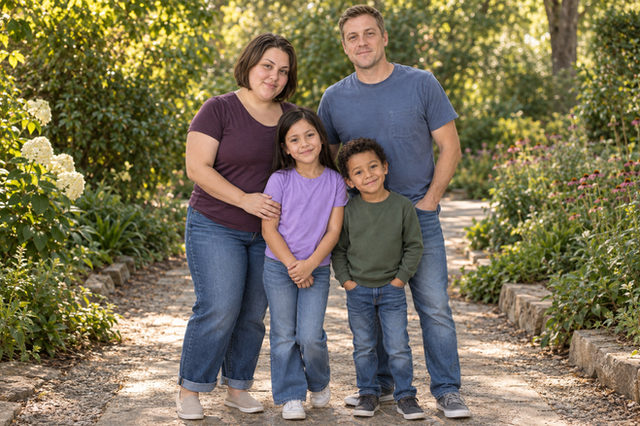
A leafy path, soft flowers and daylight make a fresh setting for the whole family. This full-length outdoor portrait leaves room for everyone and a little of the garden around them.
Start editing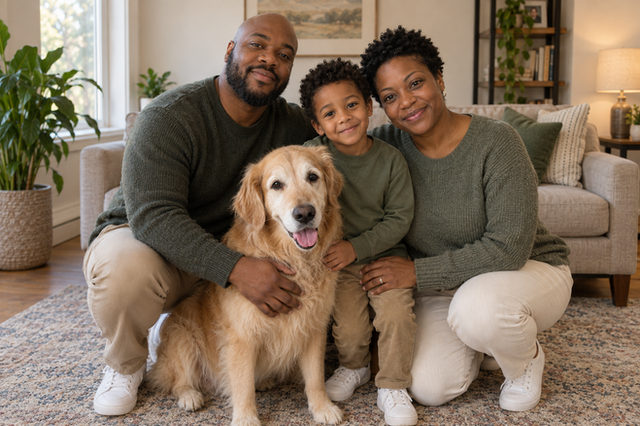
Make room on the rug for the companions who belong in the family photo too. Soft light and a comfortable living room bring people and pets together in an imagined portrait made from their individual photos.
Start editingAll examples are AI-created illustrations, not customer results. Your photos guide your appearance.
No. Upload a separate clear reference for each person or pet. Existing group photos are not required.
Yes, within the selected template’s participant capacity. Use individual references and review age, height and body proportions carefully.

Bring a clear phone photo of each person. We take care of the light, the styling and the setting. Your first photo is $1.99, with one revision included.
Start with Everyday TogetherBrowse every lookWritten by Justin Meng, founder of Black Mango Studio · Reviewed · Meet the founder
 BLACK MANGO / STUDIO