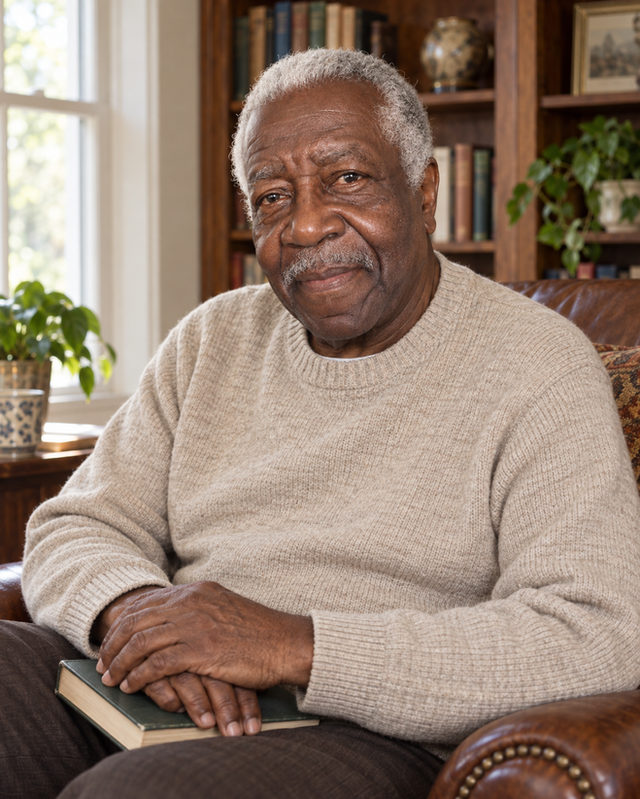
By the Bookshelf
Soft window light, books and a comfortable chair give this portrait the feeling of a quiet afternoon. Choose it for an author bio, a personal website or a work profile with a little more of you in it.
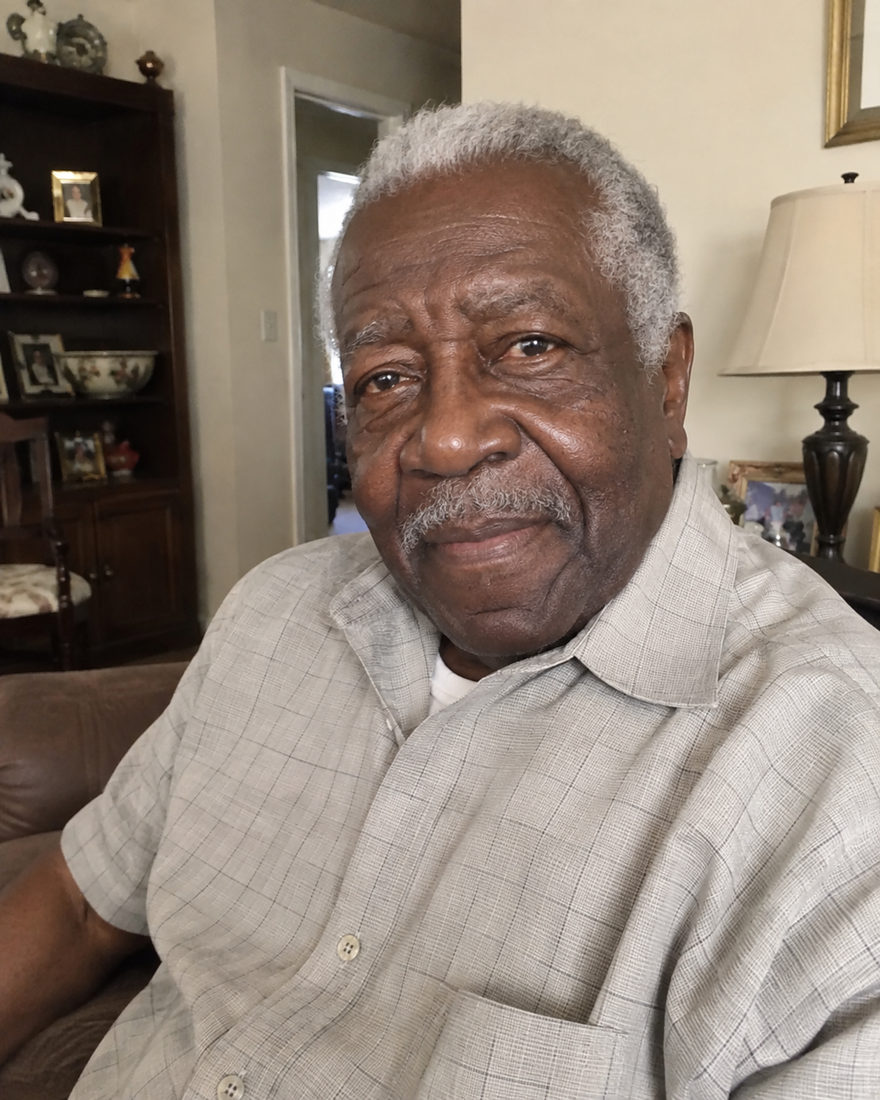
Before · Original photo
Choose a photo. Make it yours.
Soft window light, books and a comfortable chair give this portrait the feeling of a quiet afternoon. Choose it for an author bio, a personal website or a work profile with a little more of you in it.
Before · Original photo
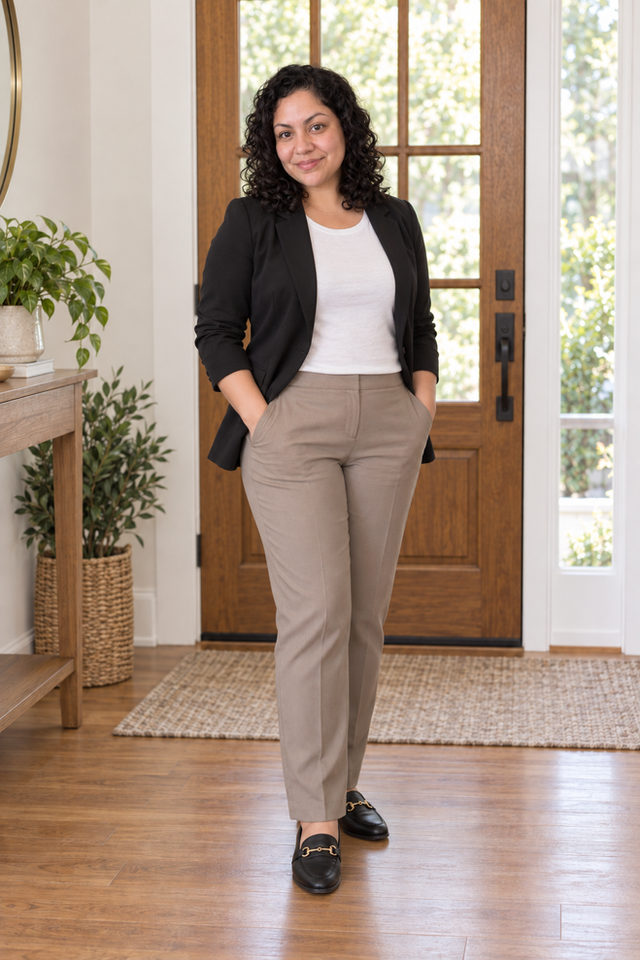
A welcoming doorway, warm wood and easy business-casual styling set a friendly tone. This full-length portrait suits a real estate bio or a service-business introduction where you want people to feel comfortable meeting you.
Before · Original photo
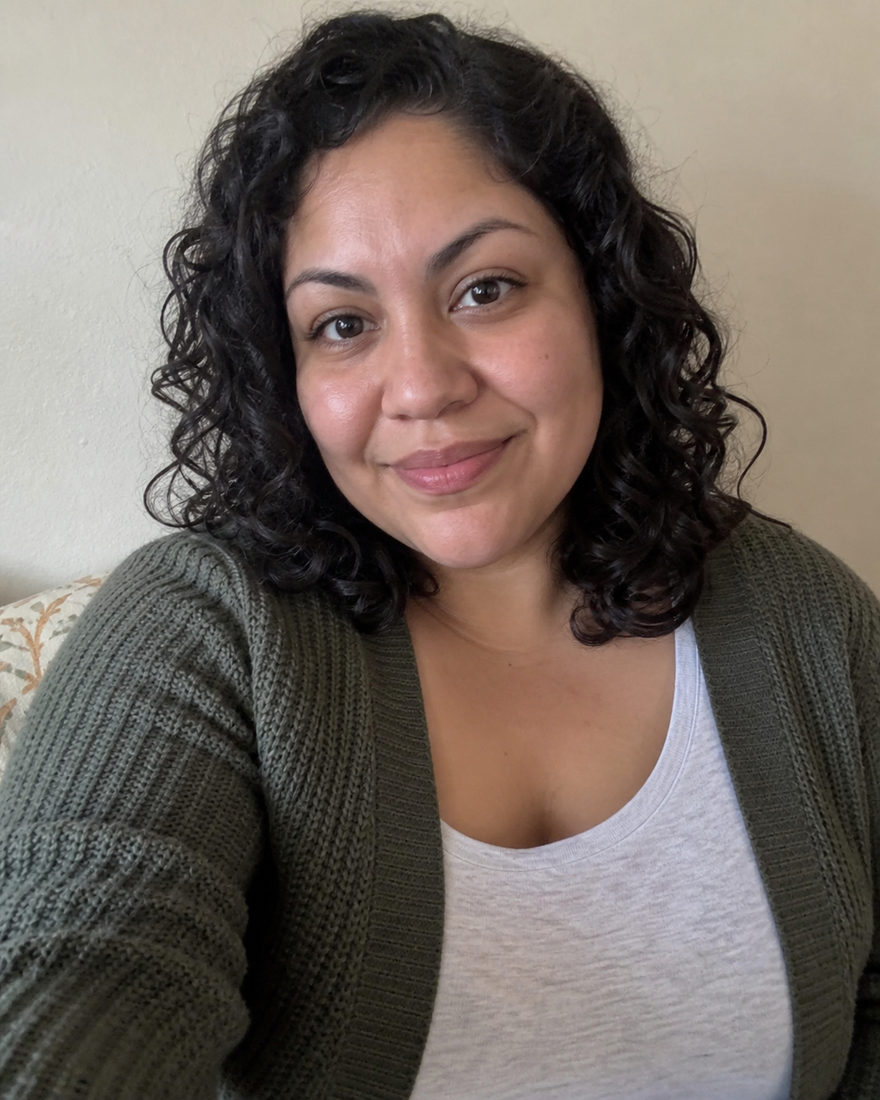
Settle into a warm office lounge, with soft window light and relaxed tailoring. This seated portrait gives your work profile or founder story a more personal feel, with room for posture and setting as well as your face.
Before · Original photo

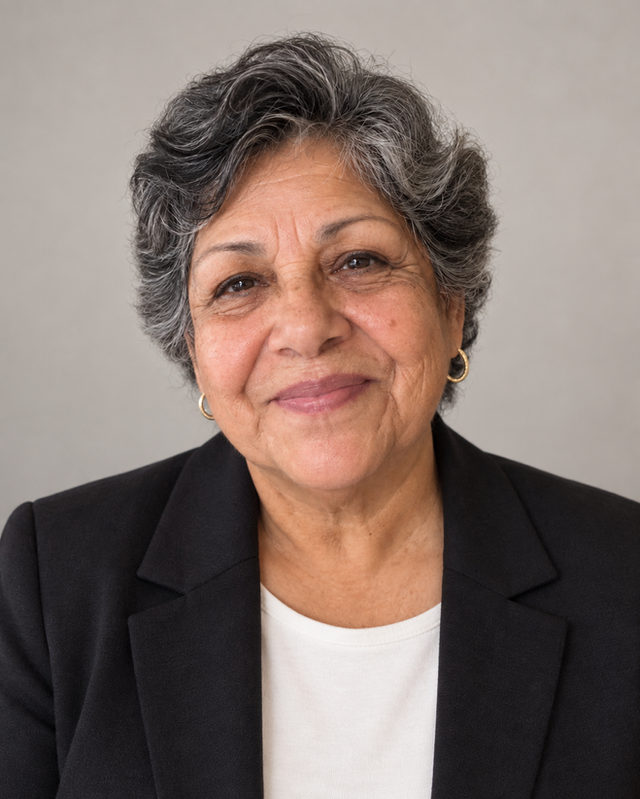
A pale background, neat tailoring and gentle light keep the attention on your face. This straightforward professional headshot fits naturally on a company website, a team page or a work profile.
Before · Original photo

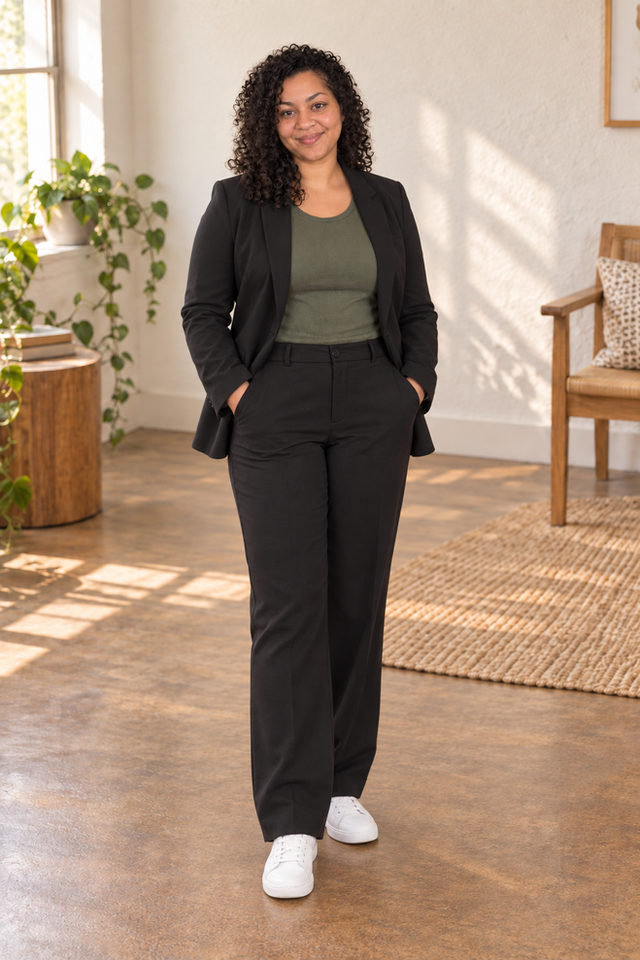
A bright room and relaxed tailoring make space for your whole look, right down to your shoes. Choose this full-length portrait for a founder introduction, personal website or a work profile that feels less formal.
Before · Original photo
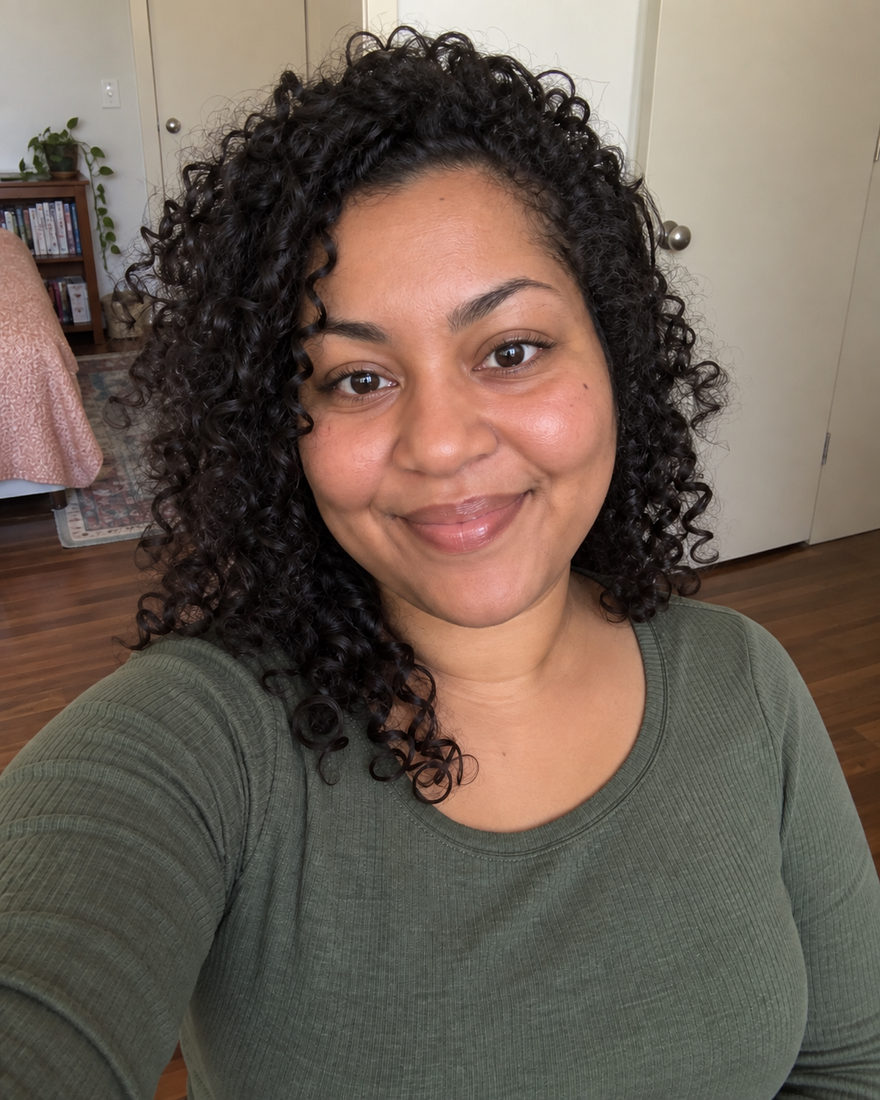
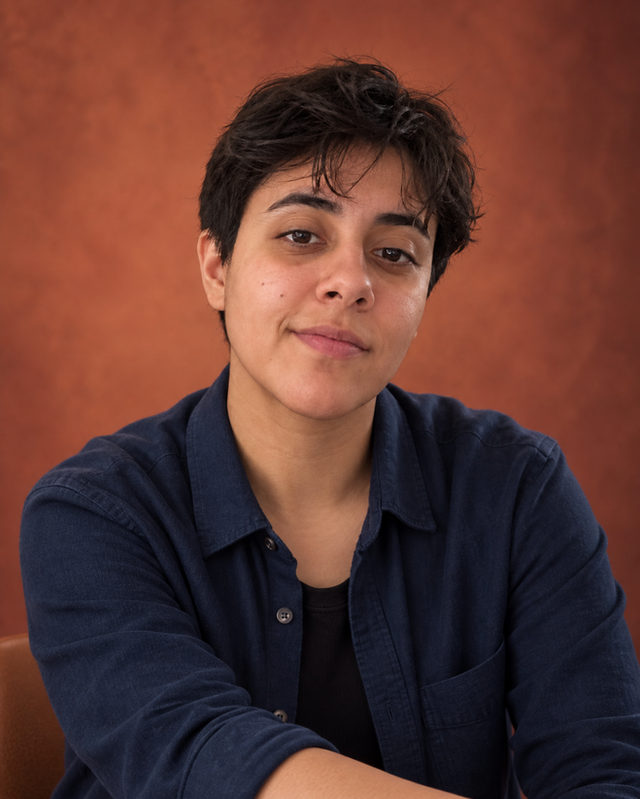
Warm terracotta, relaxed layers and a seated pose give this portrait a little more character than a plain work photo. Choose it for a creative bio, a personal website or a profile that feels approachable and distinctly yours.
Before · Original photo
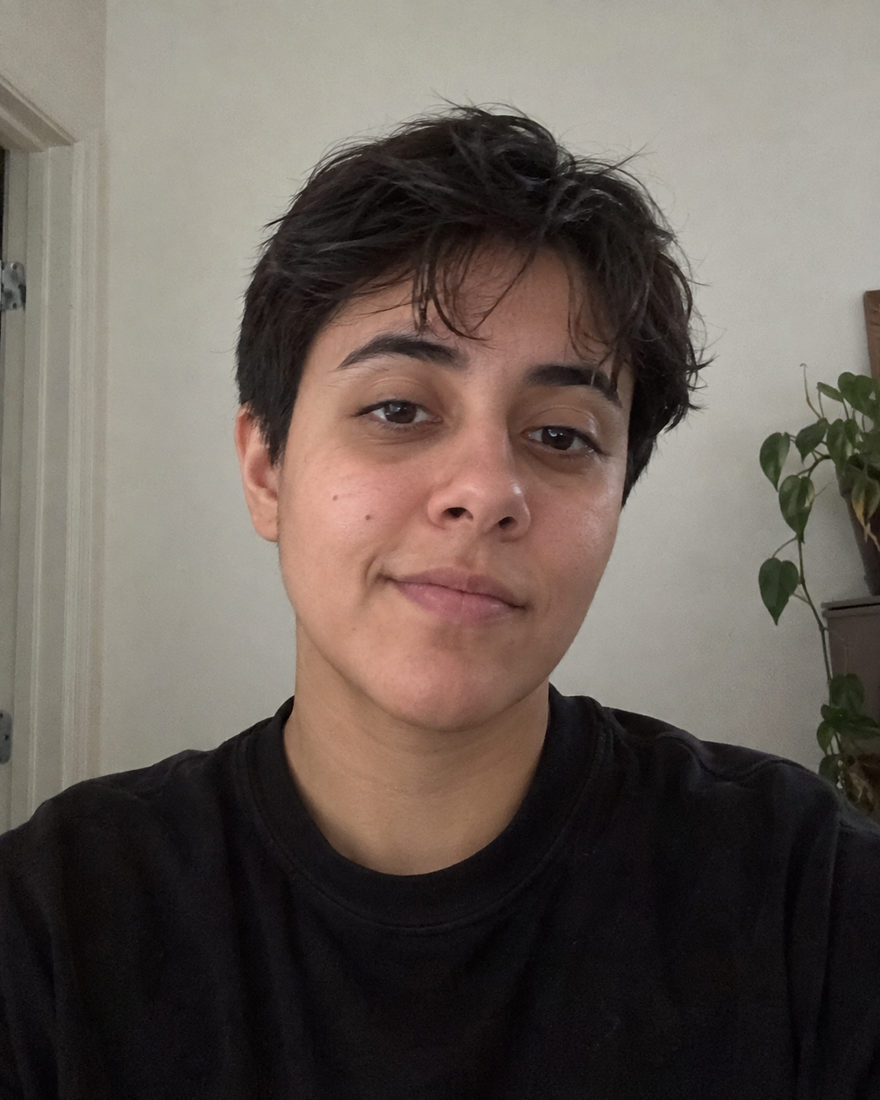
A warm neutral background and a relaxed expression make this headshot feel approachable. Choose it when you want a clear, polished photo for LinkedIn or a work introduction that still feels like you.
Before · Original photo
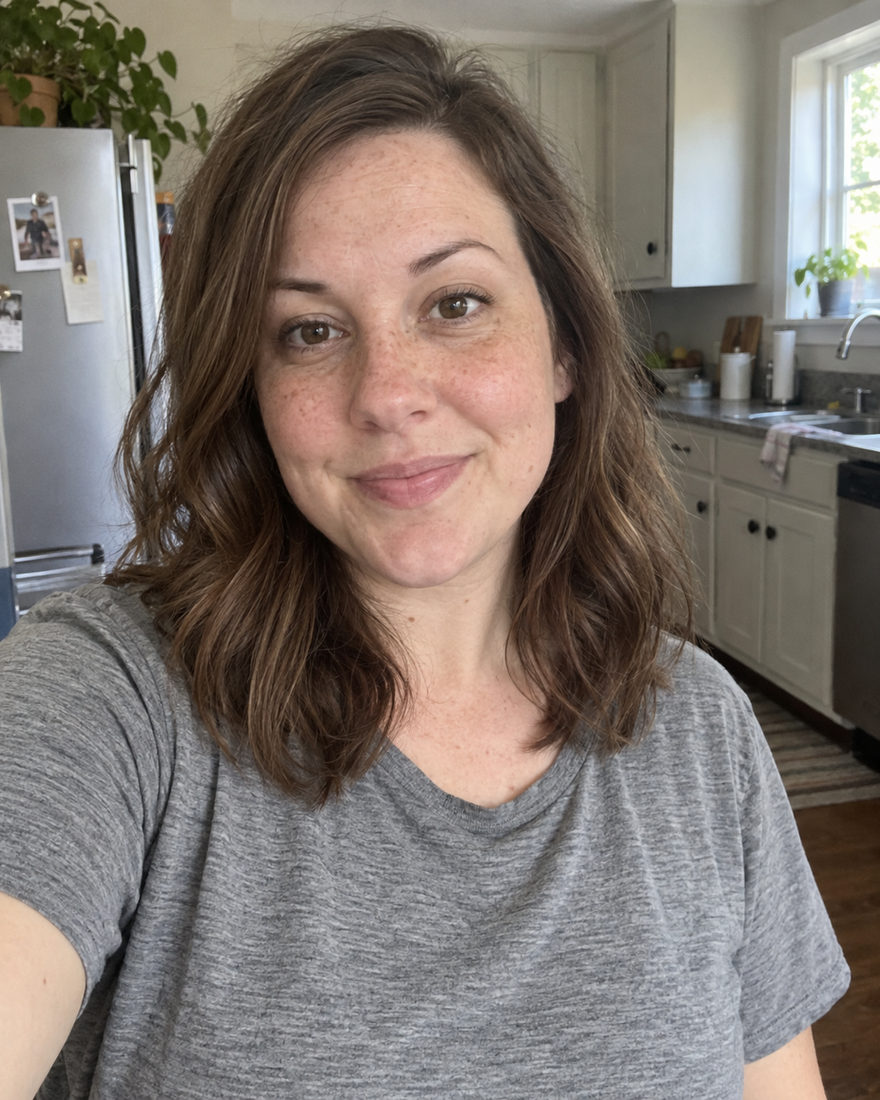
A light neutral background and simple tailoring make a clear, approachable work portrait. Choose it when you're updating a CV, starting a new role or giving your professional profile a fresh photo.
Before · Original photo
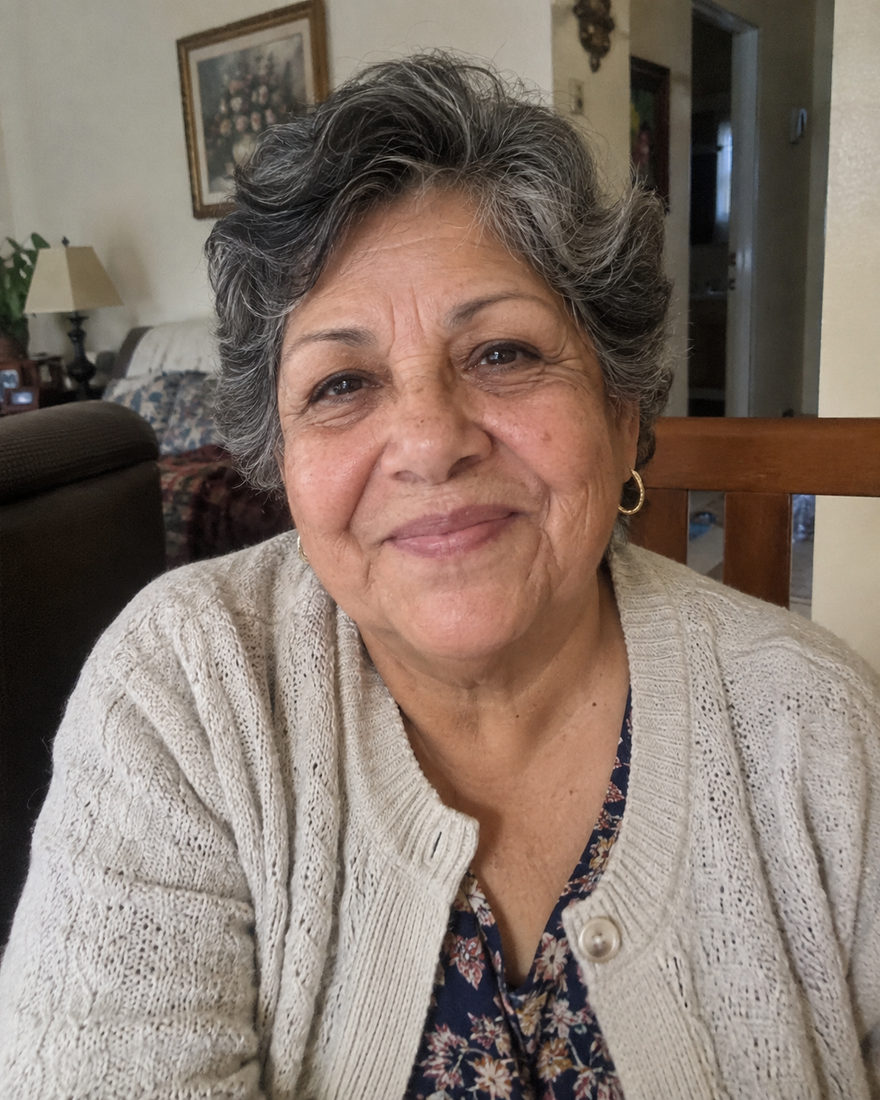
Warm shelves, plants and a tidy workspace bring a little everyday context to your portrait. A good choice for introducing yourself on a personal website or showing the person behind a small business.
Before · Original photo
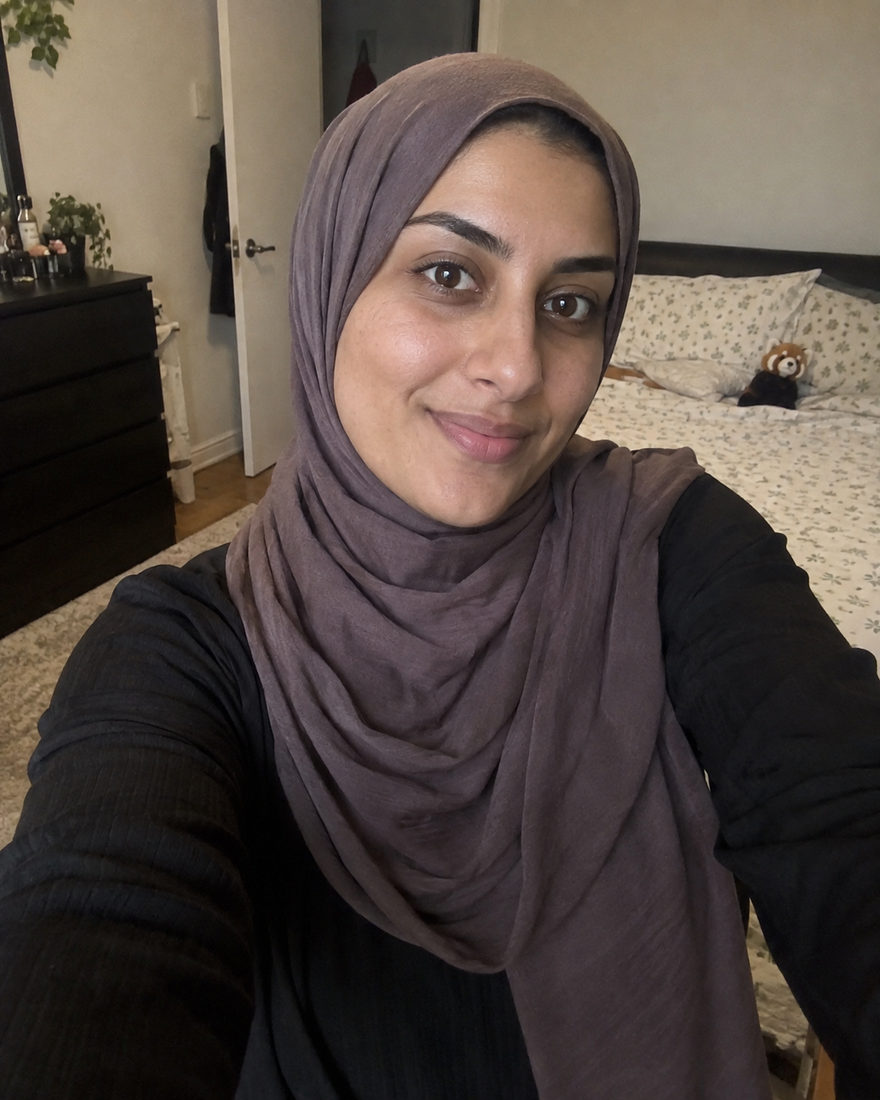
Soft greenery and daylight keep this close portrait fresh and uncomplicated. Choose it for an everyday profile photo when you want a clear face, relaxed styling and a little outdoor warmth.
Before · Original photo
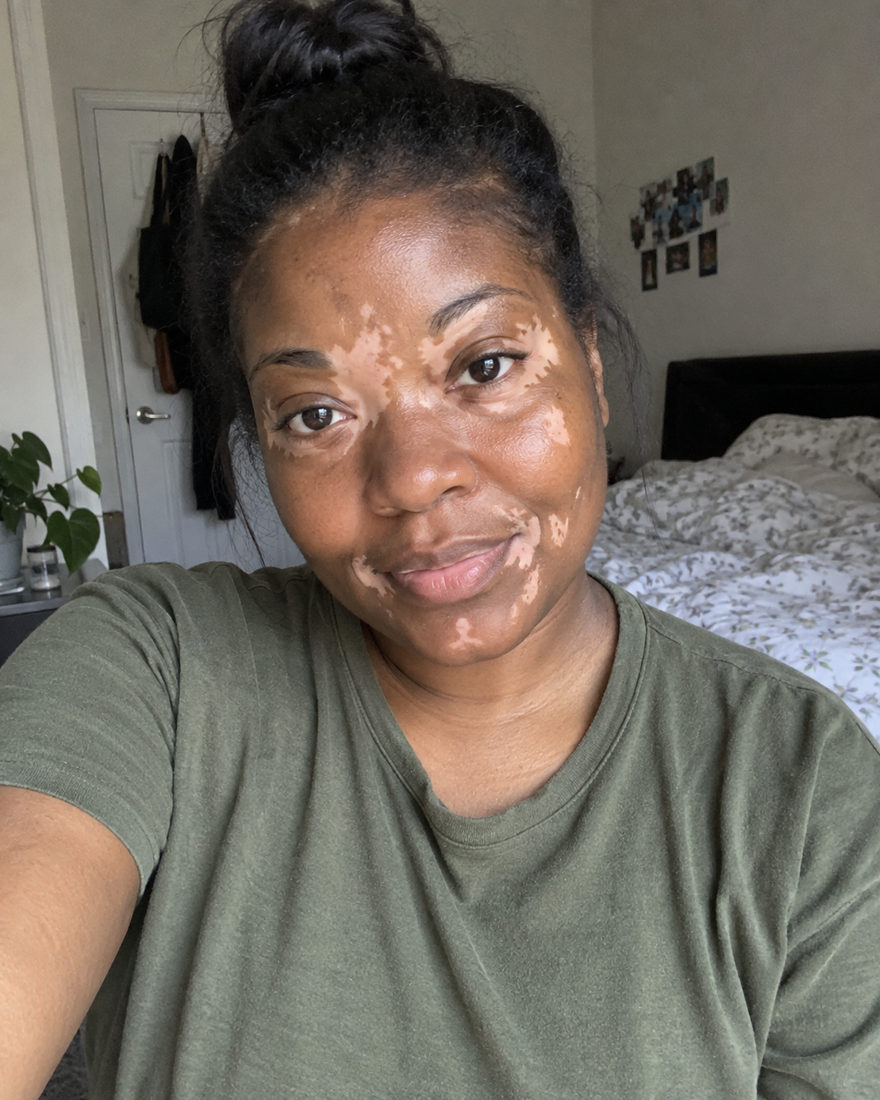
Make AI headshots, family portraits, couple photos and pet portraits from your own photos. Choose a look and add optional styling in the studio.
Choose a look, add a clear photo for each person, and create your portrait. You can prepare photos as a guest and sign in when you are ready to generate. A credit is required to create a photo.
Keep the template styling, keep your own outfit, or choose available wardrobe items. Clothing, makeup and accessories appear when the studio has published them. Styling and retouch choices are optional.
Yes. Choose a family or group look and add a separate clear photo for each person. The studio uses these references to create one AI-generated portrait. Your photos guide the result, and likeness may vary.
Each generated portrait includes one revision. Open the result to request a change, then keep or download the version you prefer. Available styling and settings depend on your chosen look.
Examples are AI-created illustrations, not customer results. Results vary.
Start with the occasion, then find the look that feels like you.
Free photo tools & preparation checklists →
Simple tips, wherever you’re starting.
 BLACK MANGO / STUDIO