Always Your Little Friend
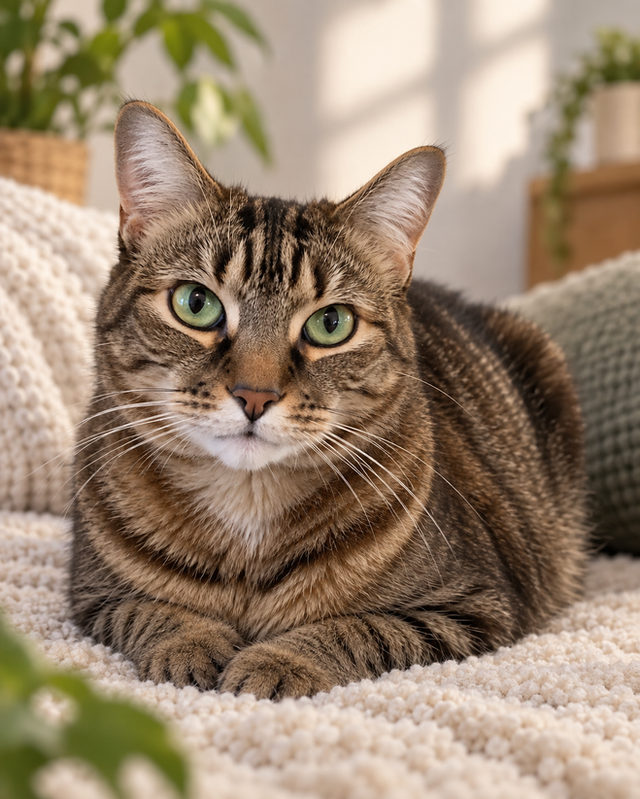
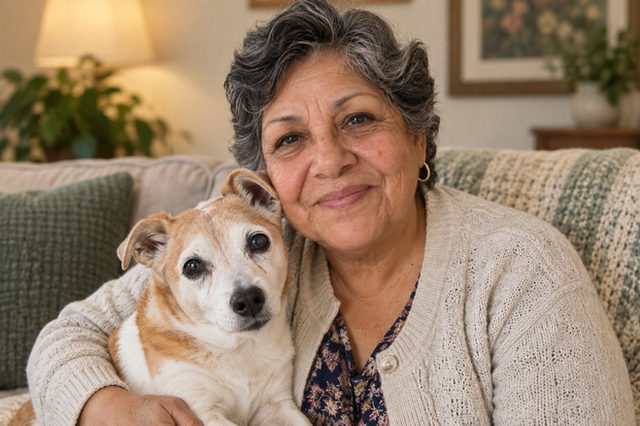
A soft sofa and warm, quiet light make a gentle setting for remembering a much-loved pet. Use a favorite photograph to create an imagined keepsake, on their own or close beside you.
Before · 2 individual photos
Choose a photo. Make it yours.
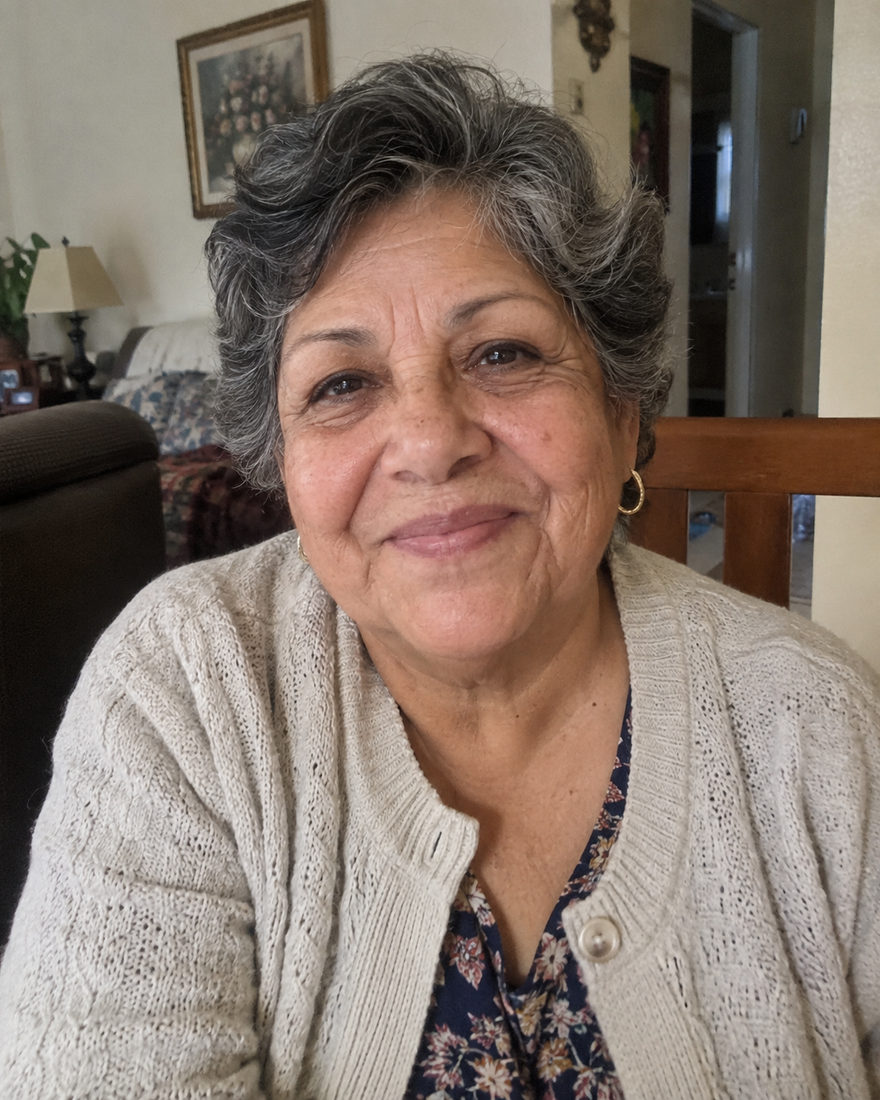
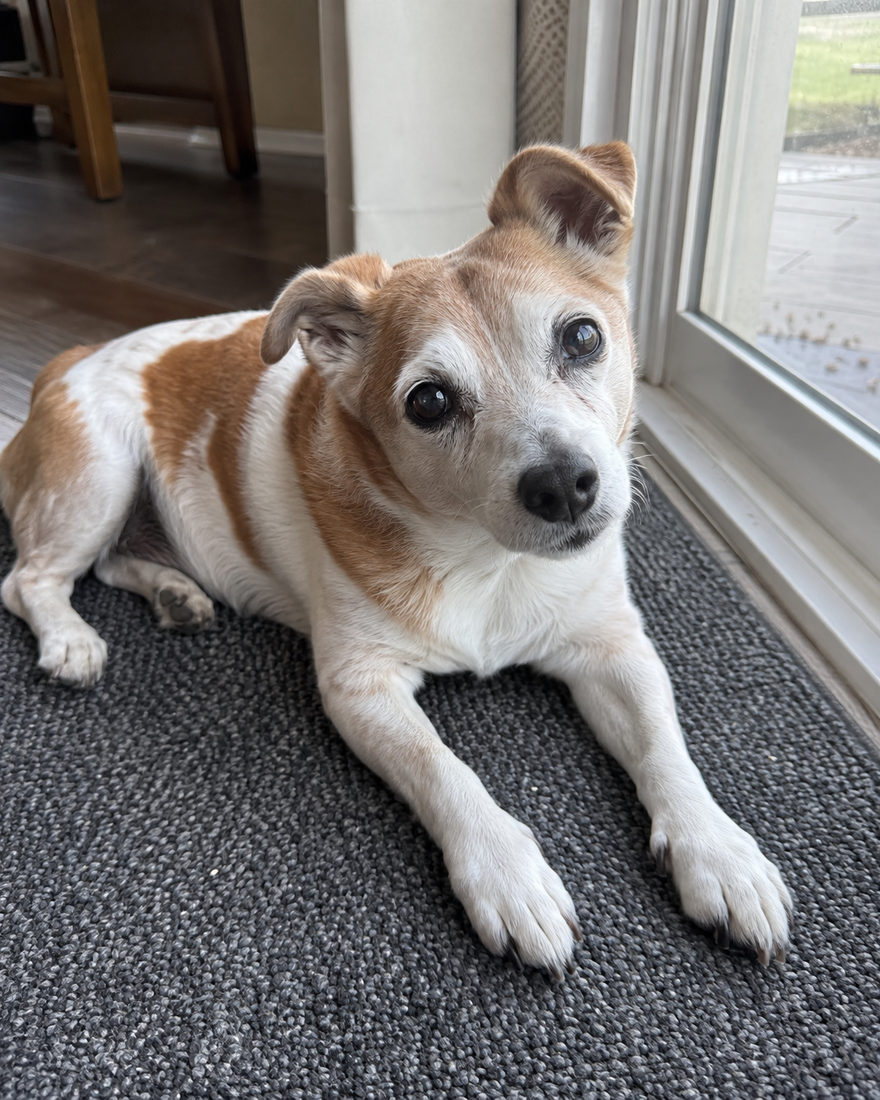
A soft sofa and warm, quiet light make a gentle setting for remembering a much-loved pet. Use a favorite photograph to create an imagined keepsake, on their own or close beside you.
Before · 2 individual photos
Ears, paws and that familiar little face take the lead in this cozy portrait. Soft neutral blankets and gentle home light make a simple setting for a pet keepsake you'll want to look at often.
Before · Original photo

Make AI headshots, family portraits, couple photos and pet portraits from your own photos. Choose a look and add optional styling in the studio.
Choose a look, add a clear photo for each person, and create your portrait. You can prepare photos as a guest and sign in when you are ready to generate. A credit is required to create a photo.
Keep the template styling, keep your own outfit, or choose available wardrobe items. Clothing, makeup and accessories appear when the studio has published them. Styling and retouch choices are optional.
Yes. Choose a family or group look and add a separate clear photo for each person. The studio uses these references to create one AI-generated portrait. Your photos guide the result, and likeness may vary.
Each generated portrait includes one revision. Open the result to request a change, then keep or download the version you prefer. Available styling and settings depend on your chosen look.
Examples are AI-created illustrations, not customer results. Results vary.
Start with the occasion, then find the look that feels like you.
Free photo tools & preparation checklists →
Simple tips, wherever you’re starting.
 BLACK MANGO / STUDIO